
No APK Required
The PWA installs directly from the browser in under one minute on both Android and iOS, with no file downloads, no security warnings, and no sideloading.
The ZoraBet web app is live and fully accessible on any mobile browser right now. A dedicated APK is currently in development, but the Progressive Web App (PWA) delivers the full casino and sportsbook experience today. Install ZoraBet Serbia to your home screen in under a minute and claim the welcome bonus of 500% up to 350,000 RSD or 3,500 USDT on your first deposit. Tap the button below to get started on Android or iOS.
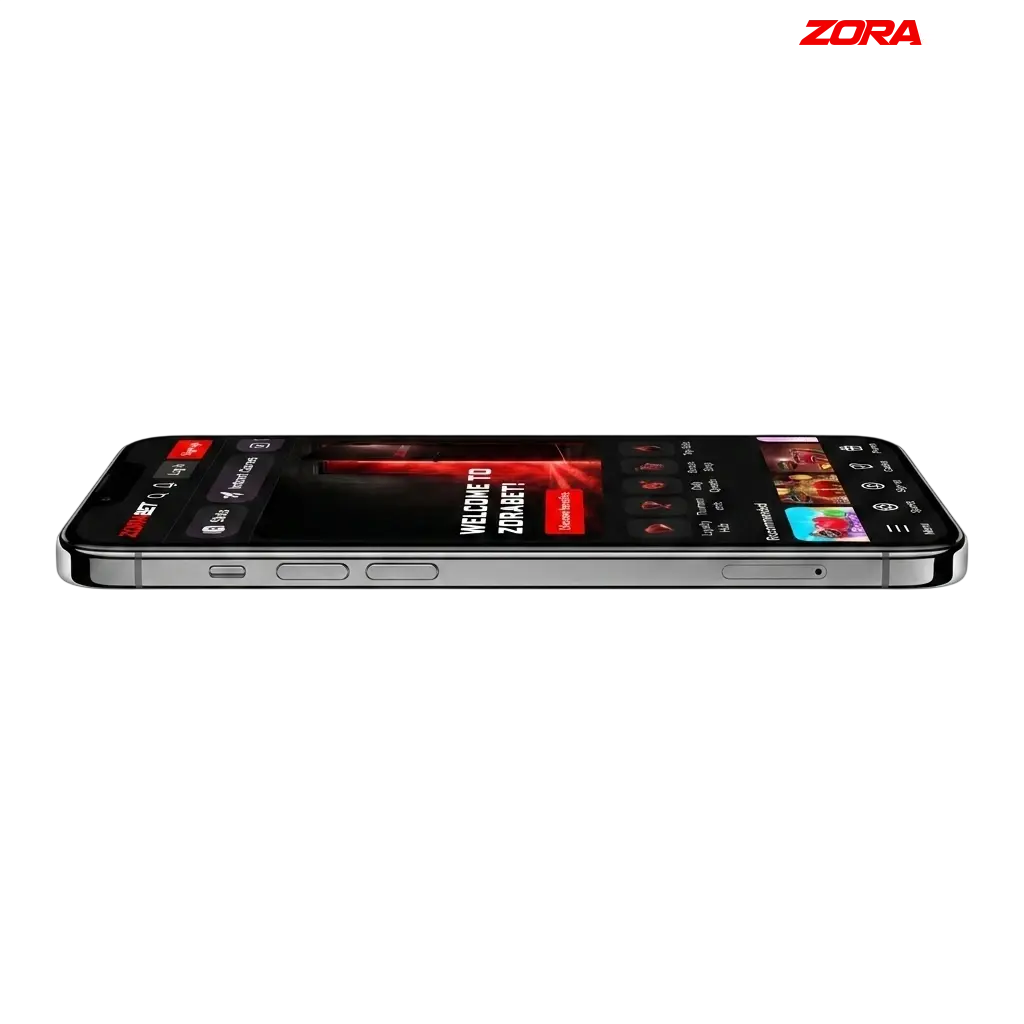
The ZoraBet mobile platform covers both sportsbook and casino verticals in a single, browser-based interface. No APK file is required – the PWA installs directly from the browser and runs on any modern Android or iOS device.
| App Type | Progressive Web App (PWA) |
| APK Available | In development |
| App Size | Under 5 MB (PWA cache) |
| Last Updated | 2026 |
| Welcome Bonus | 500% up to 350,000 RSD or 3,500 USDT |
| Sports Betting Bonus | Available for mobile users |
| Supported Languages | Serbian, English |
| Supported Currency | RSD, USDT, USDC, EUR |
| Payment Methods | VISA, Mastercard, Skrill, Neteller, Paysafecard, Revolut, Wise, Open Banking, Apple Pay, Google Pay, USDT, USDC |
| Promo Code | Yes |
| License | Curacao eGaming |
| Minimum Deposit | 500 RSD / 5 USDT |
| Minimum Withdrawal | 1,000 RSD / 10 USDT |
The ZoraBet mobile interface is built for one-thumb navigation, with the sportsbook, casino lobby, promotions, and cashier all accessible from the bottom menu bar. Every screen loads within seconds on a standard 4G connection, and the layout adapts to all screen sizes without loss of functionality.
The ZoraBet PWA for Android installs directly through your mobile browser with no APK download or third-party store required. Follow these three steps to get the app on your home screen.
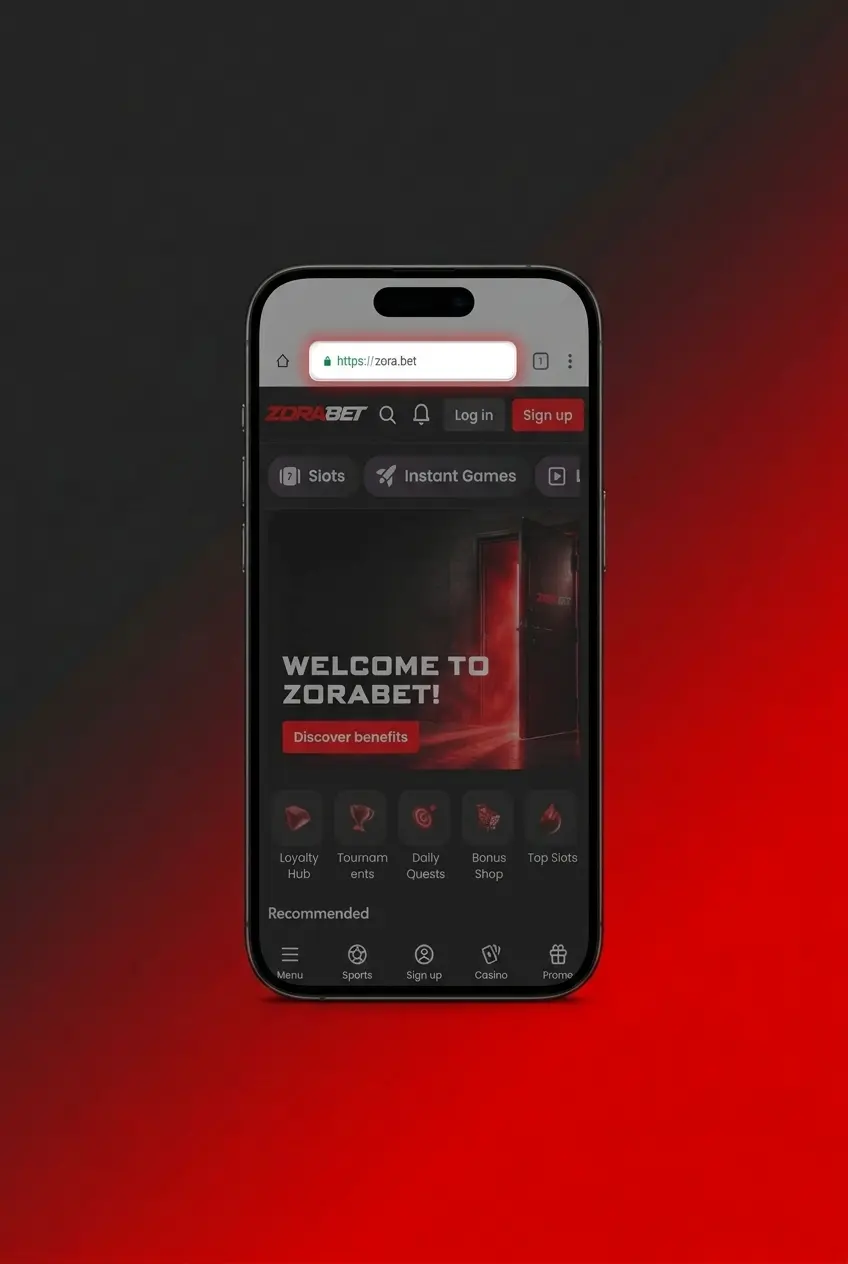
Tap the “Download for Android” button on this page to open the ZoraBet site in your mobile browser.
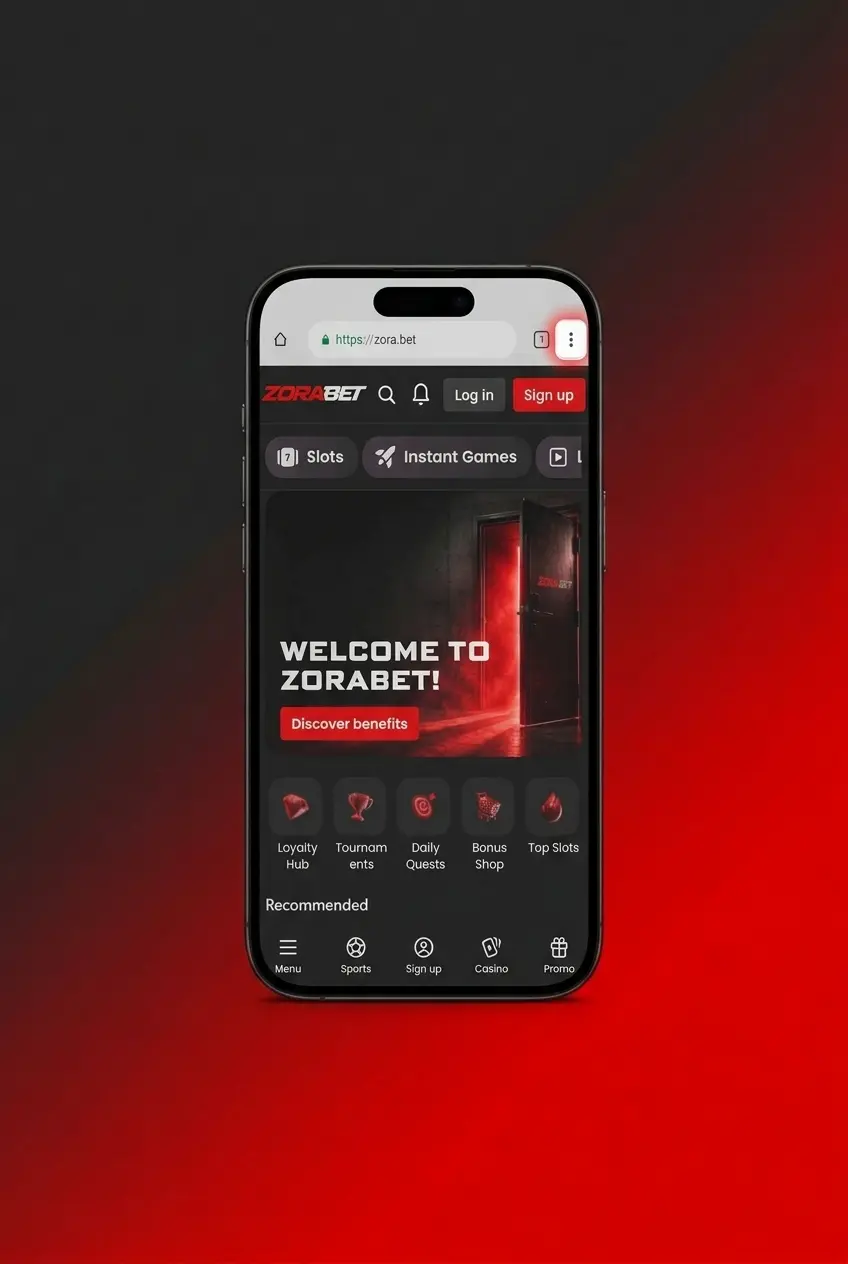
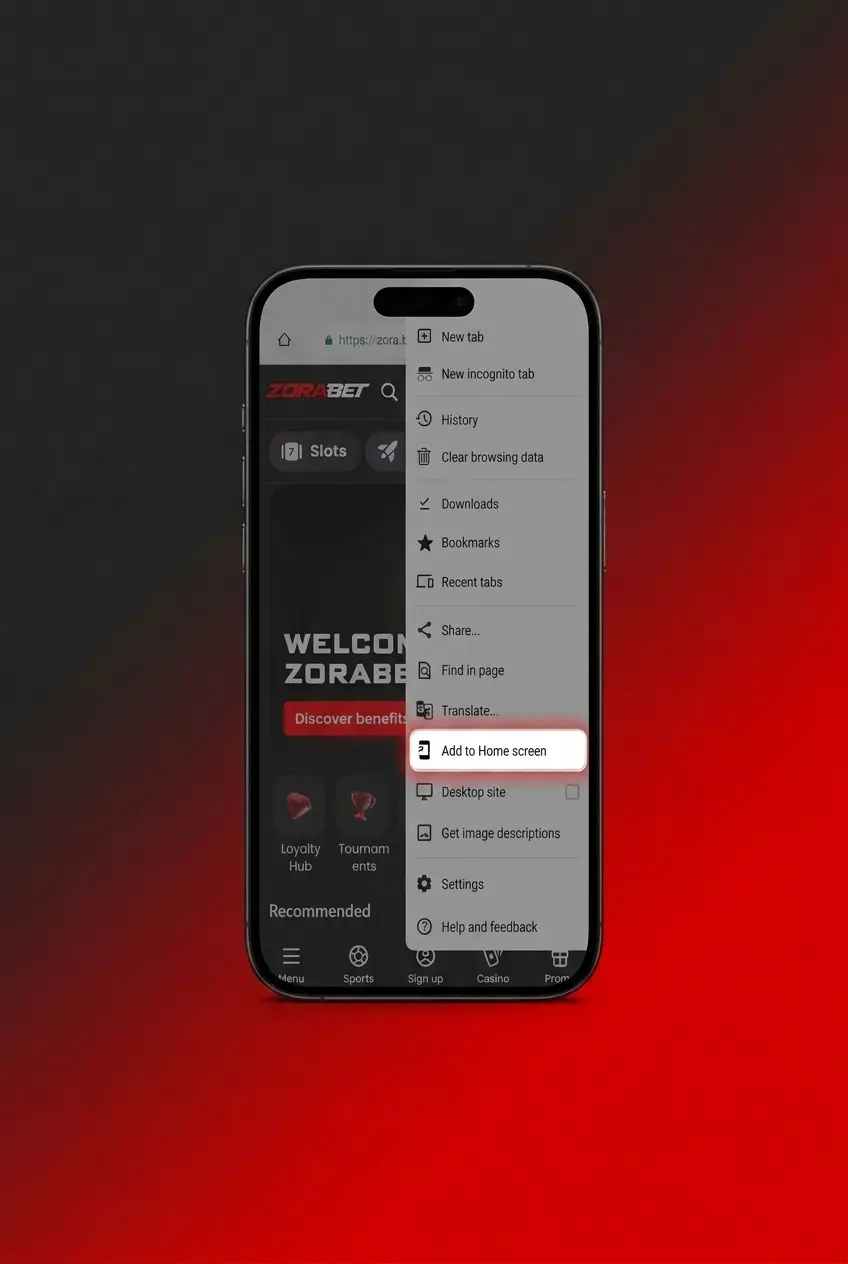
Once the site loads, open your browser menu (the three-dot icon in Chrome or the equivalent in your default browser) and select “Add to Home Screen” to pin the ZoraBet PWA as an app icon on your device.
Tap the ZoraBet icon on your home screen, then sign in to your existing account or complete the registration form to create a new account and start playing.
The ZoraBet PWA runs entirely in the browser, so hardware demands are minimal. Any Android device manufactured after 2018 will meet the requirements below.
| Requirement | Minimum Specification |
|---|---|
| Operating System | Android 8.0 (Oreo) or higher |
| RAM | 2 GB |
| Processor | Quad-core 1.6 GHz |
| Storage Space | 100 MB free (for browser cache) |
| Browser | Google Chrome 90+, Mozilla Firefox 88+, Samsung Internet 14+ |
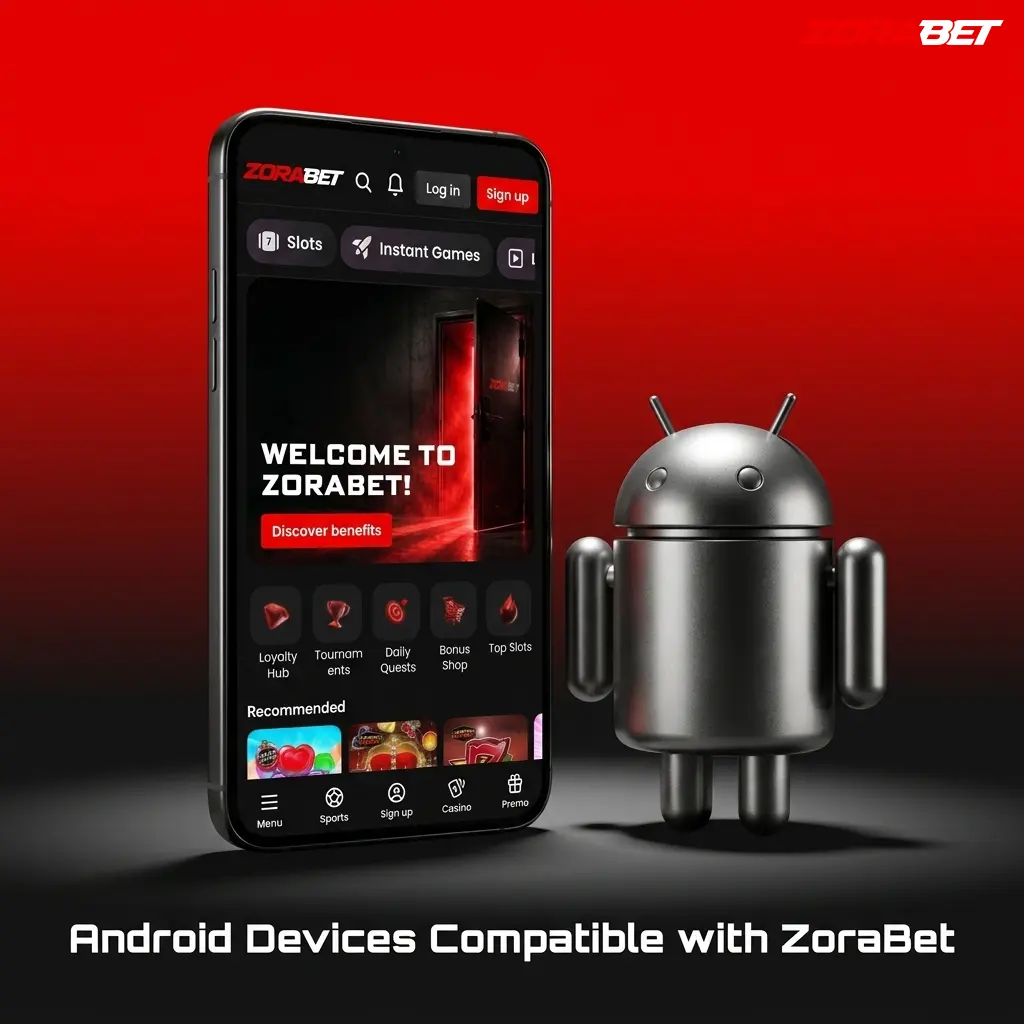
The ZoraBet web app performs reliably on all Android devices running version 8.0 or higher. The models listed below have been confirmed to meet the minimum requirements.
The ZoraBet PWA for iOS works on all iPhones and iPads running iOS 14 or later, with no App Store download required. Follow these four steps to pin it to your home screen.
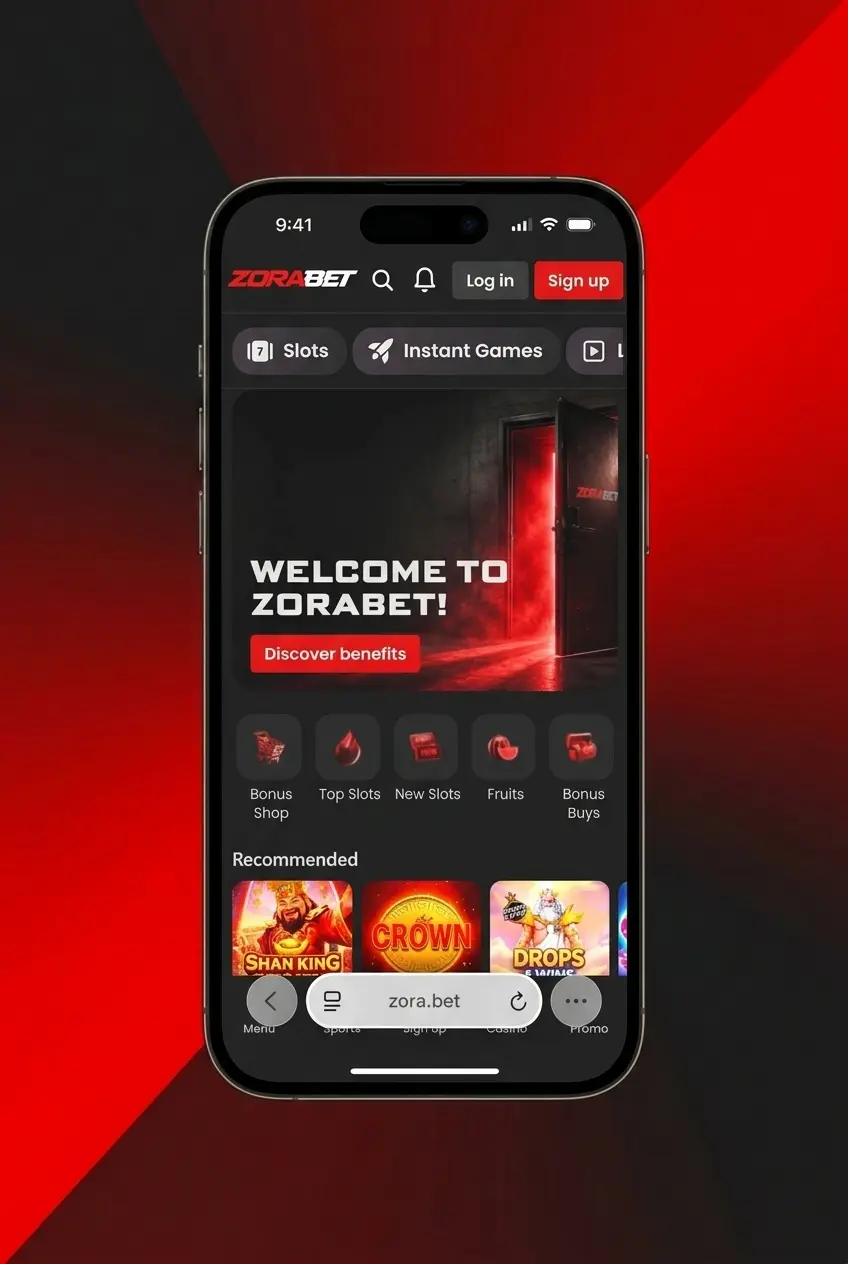
Tap the “Download for iOS” button on this page to open the ZoraBet site in Safari on your iPhone or iPad.
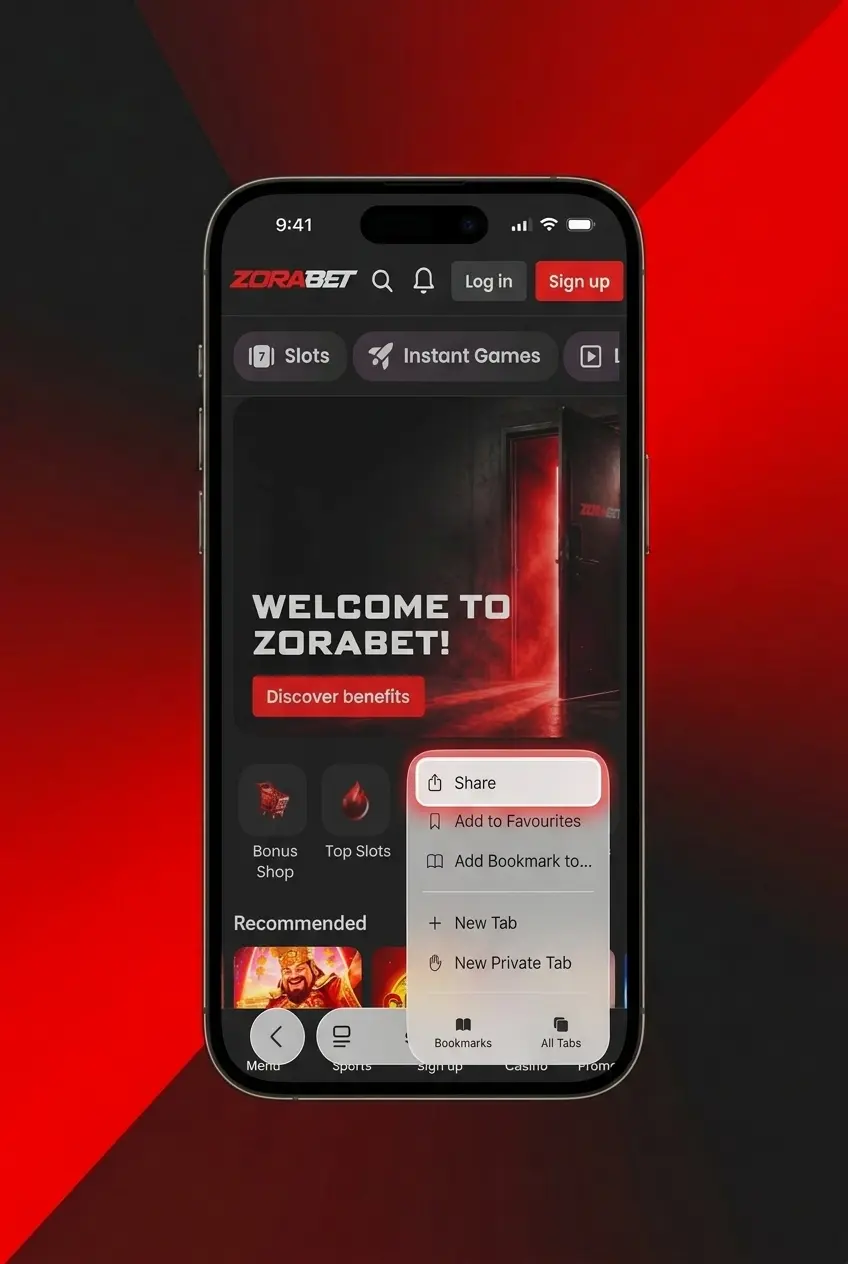
Complete the registration form to open a new account, or enter your existing credentials to log in before saving the app to your device.
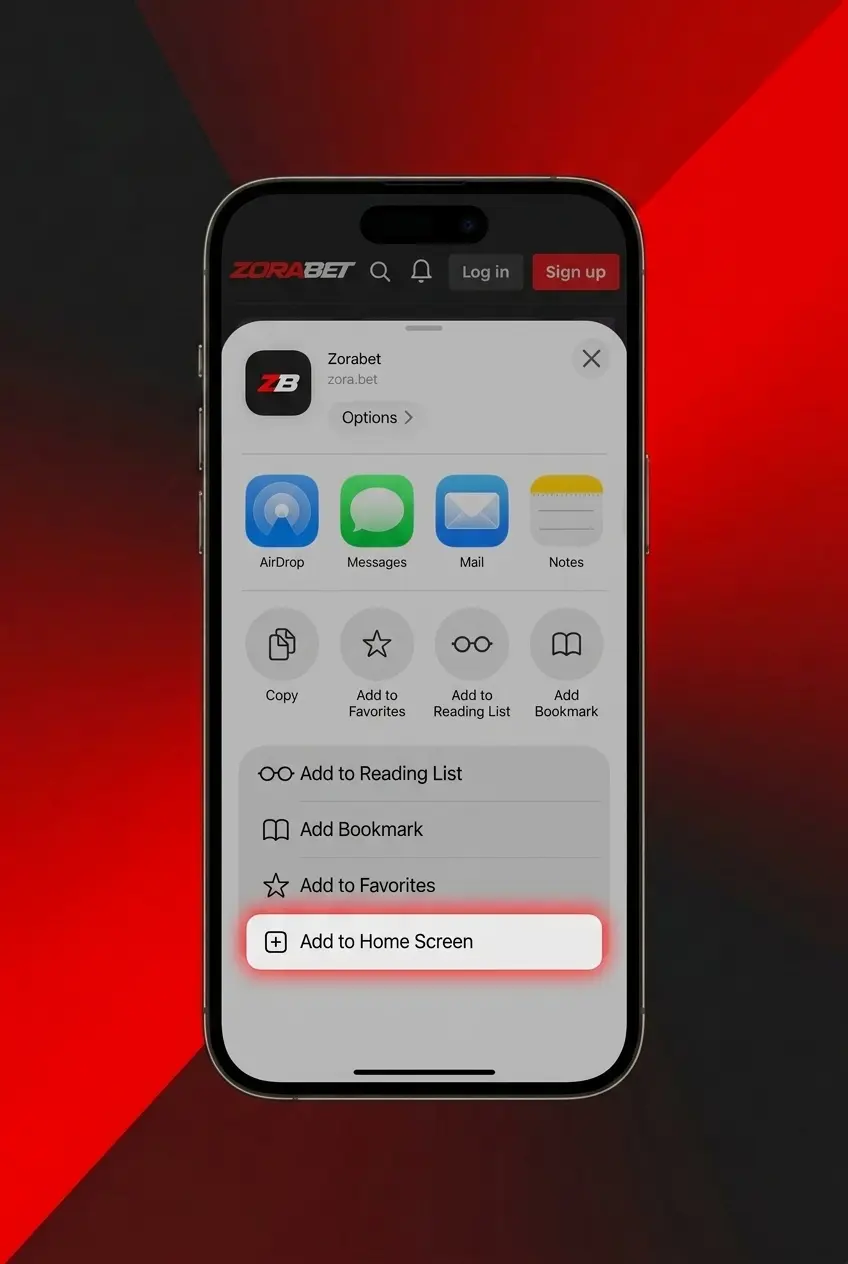
In Safari, tap the Share icon at the bottom of the screen (the box with an arrow pointing upward) to open the sharing options menu.
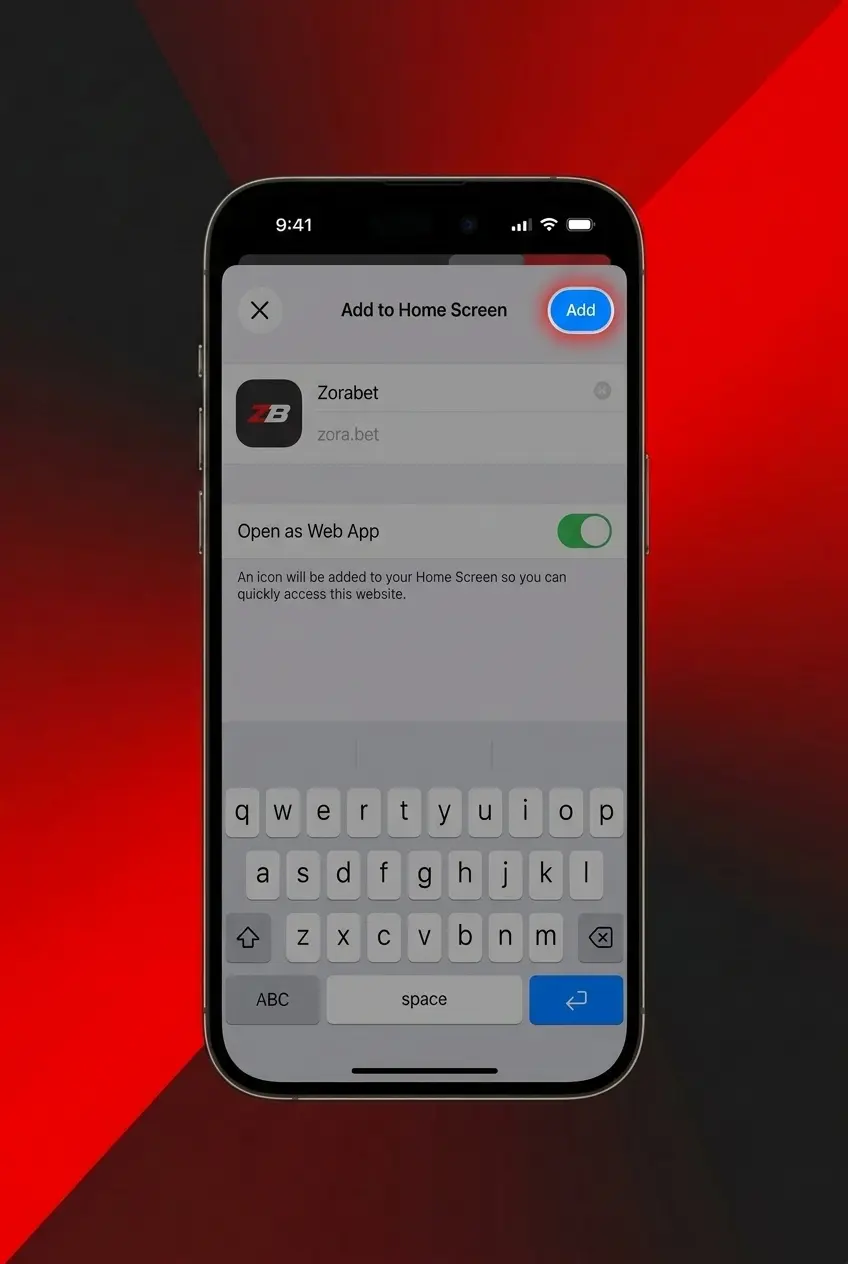
Scroll through the share menu, tap “Add to Home Screen,” confirm the name, and tap “Add” to place the ZoraBet icon on your iOS home screen.
The ZoraBet PWA operates through Safari on iOS and requires no additional app installation. The table below outlines the minimum specifications needed for reliable performance.
| Requirement | Minimum Specification |
|---|---|
| Operating System | iOS 14.0 or higher |
| RAM | 2 GB |
| Processor | Apple A12 Bionic or higher |
| Storage Space | 100 MB free (for browser cache) |
| Browser | Safari 14+ (recommended); Chrome for iOS 90+ |
All iPhone and iPad models running iOS 14 or later are fully compatible with the ZoraBet PWA. The devices listed below have been verified to meet the minimum performance requirements.
All ZoraBet bonuses are fully accessible through the mobile web app, with no functionality restricted compared to the desktop version. Serbian players can claim offers on both the sportsbook and casino sections from any iOS or Android device. Promotions are updated regularly, and mobile users receive the same terms and wagering conditions as desktop players. Promo codes are supported at the cashier for additional bonus activation.
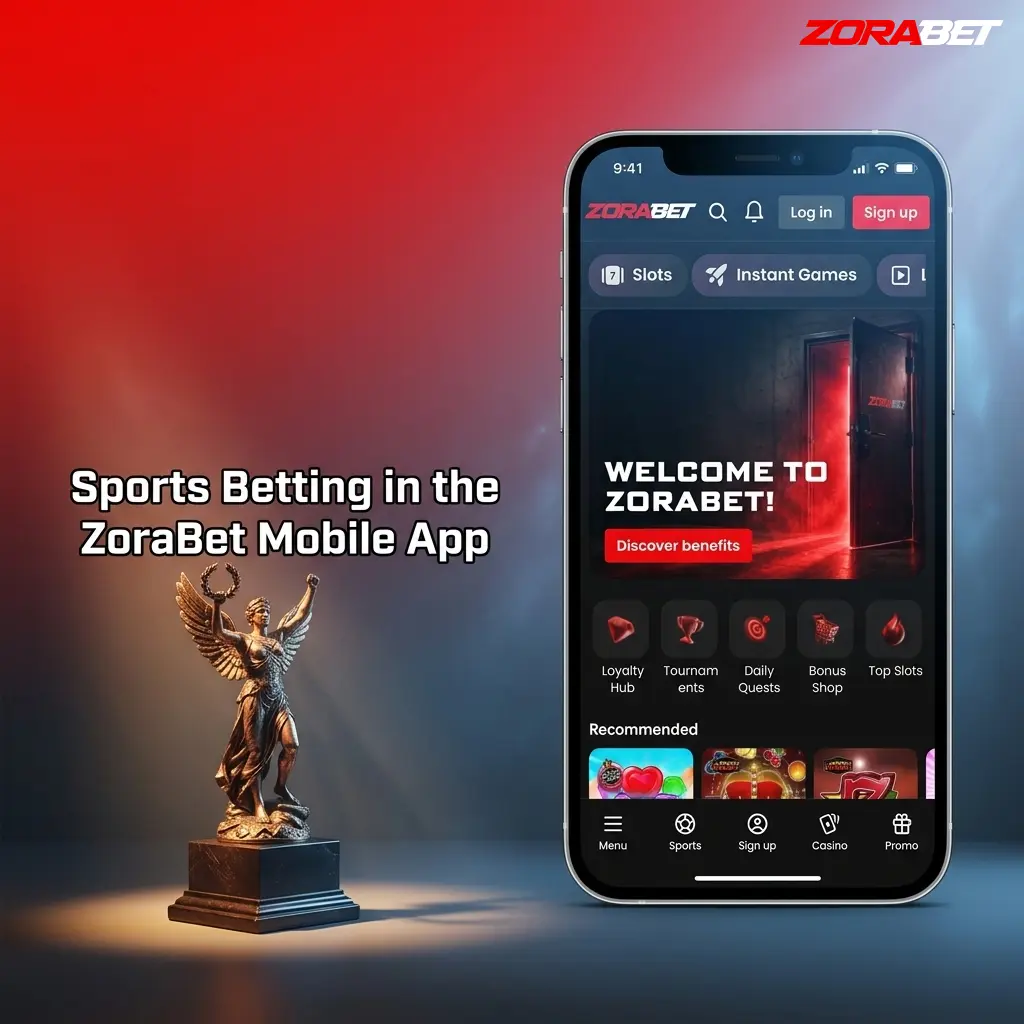
The ZoraBet sportsbook covers pre-match and live betting markets across a wide range of disciplines, with competitive odds and fast market updates. Serbian bettors can place wagers on all major European leagues and international tournaments directly from the mobile web app.
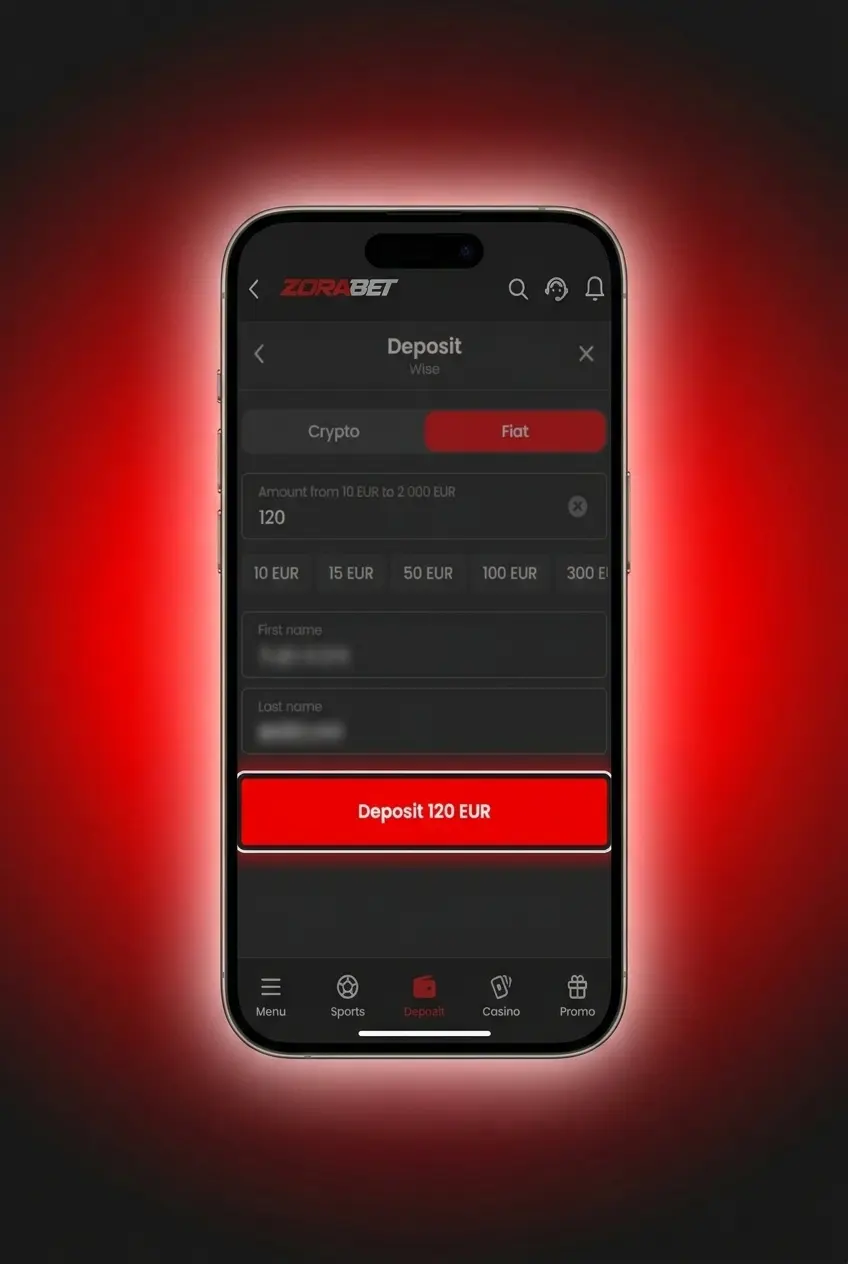
Placing a bet via the ZoraBet web app takes under two minutes from login to confirmation. The bet slip updates instantly as you add selections, and deposits can be made at any point before submitting your wager.
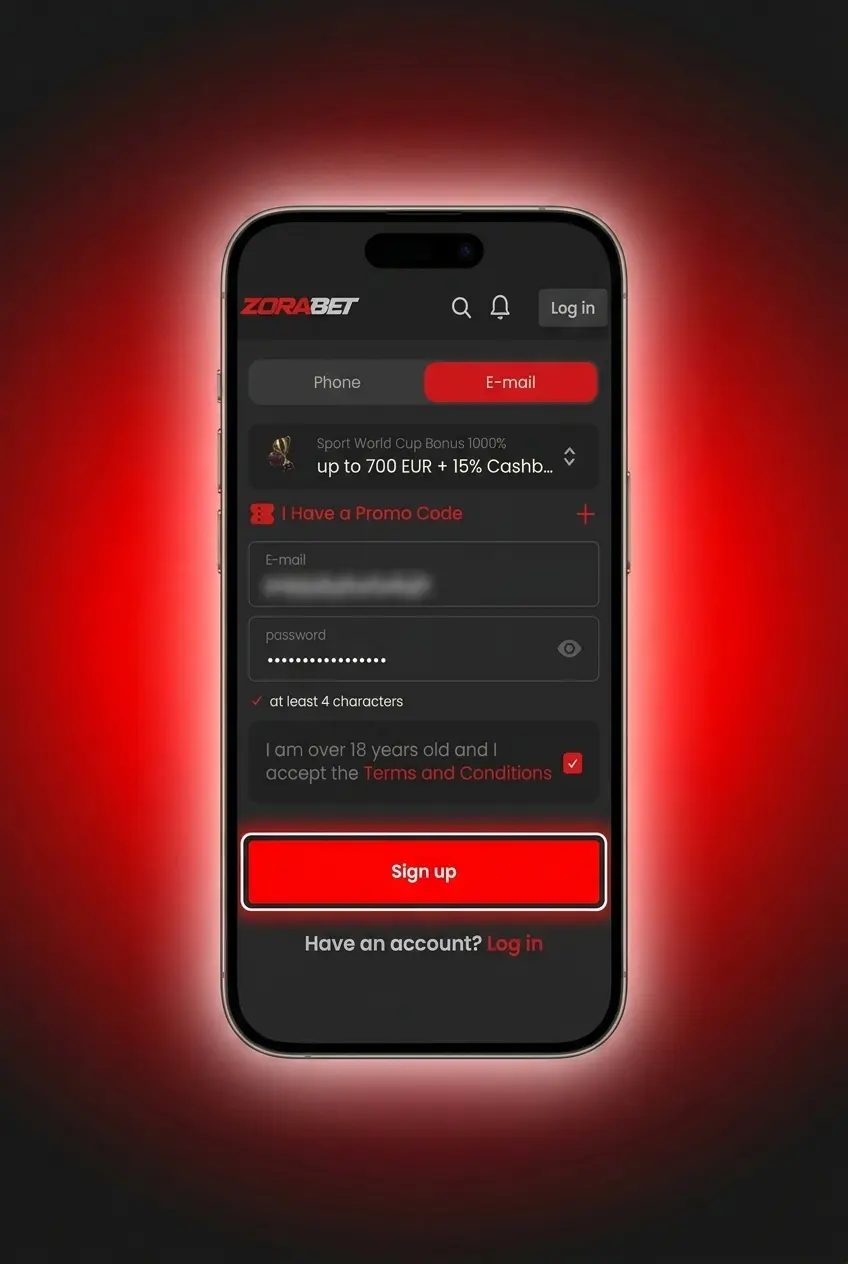
Log in to your ZoraBet account and tap “Sports” in the bottom navigation bar to access all available markets.
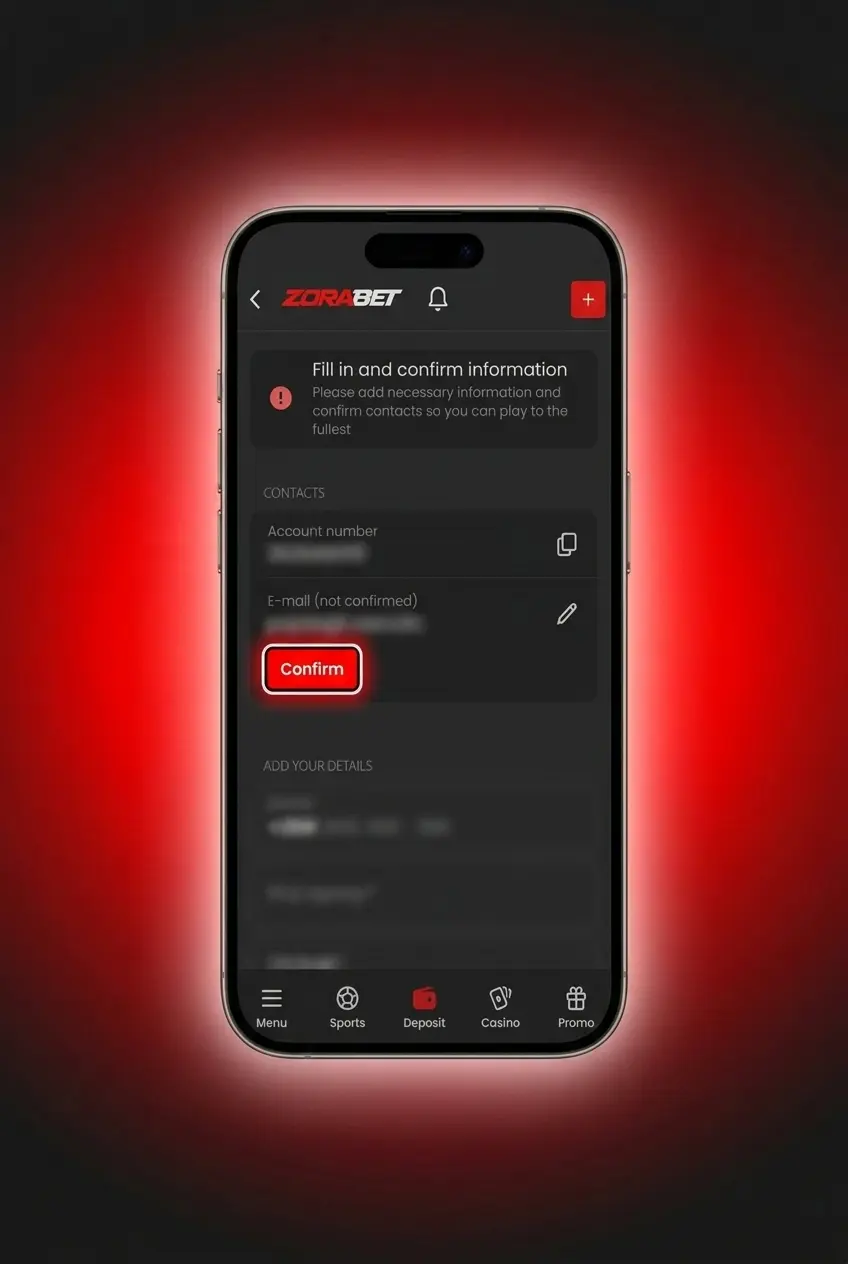
Browse by sport or use the search function to find your event, then tap the odds for the market you want to back.
Check your selections, enter your stake amount, and review the potential return displayed on the bet slip.
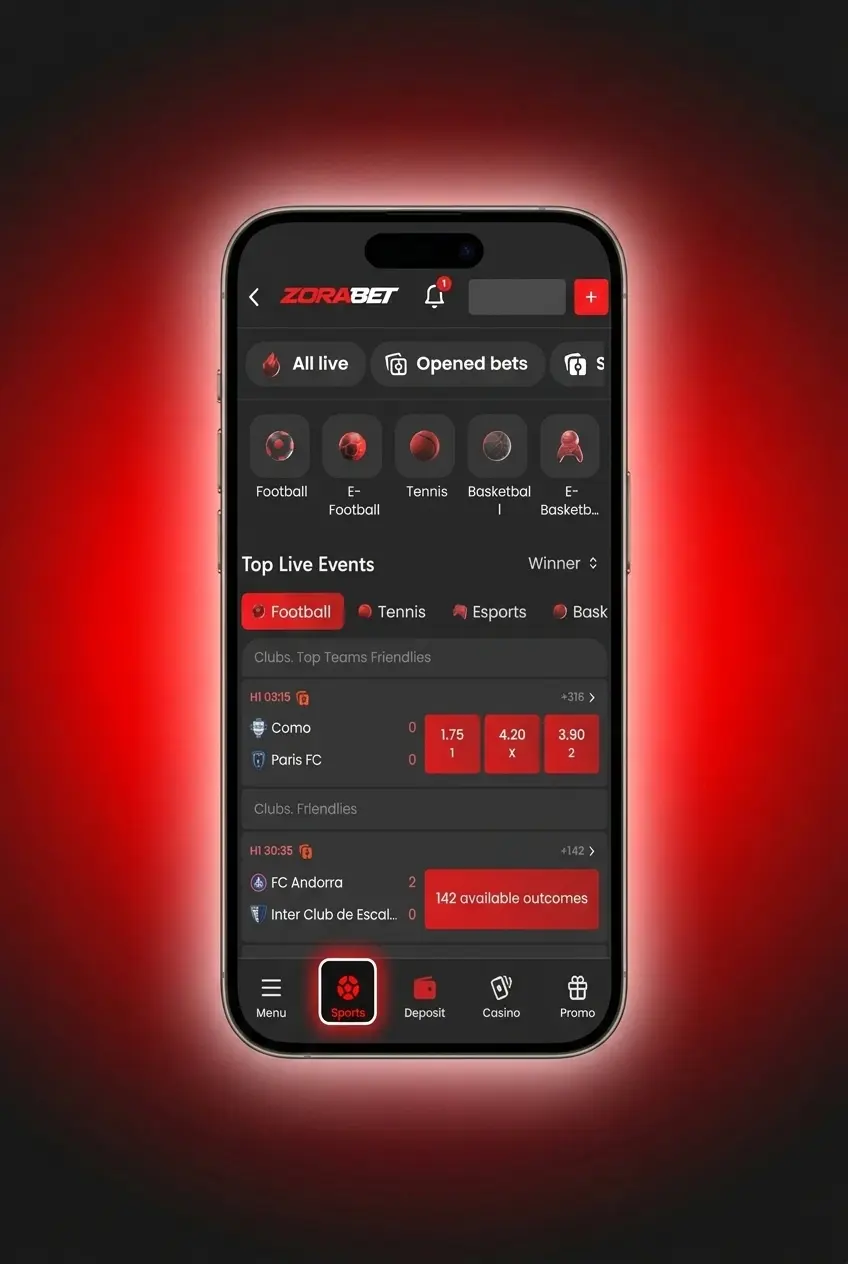
Tap “Place Bet” to submit your wager. A confirmation notification will appear immediately once the bet is accepted.
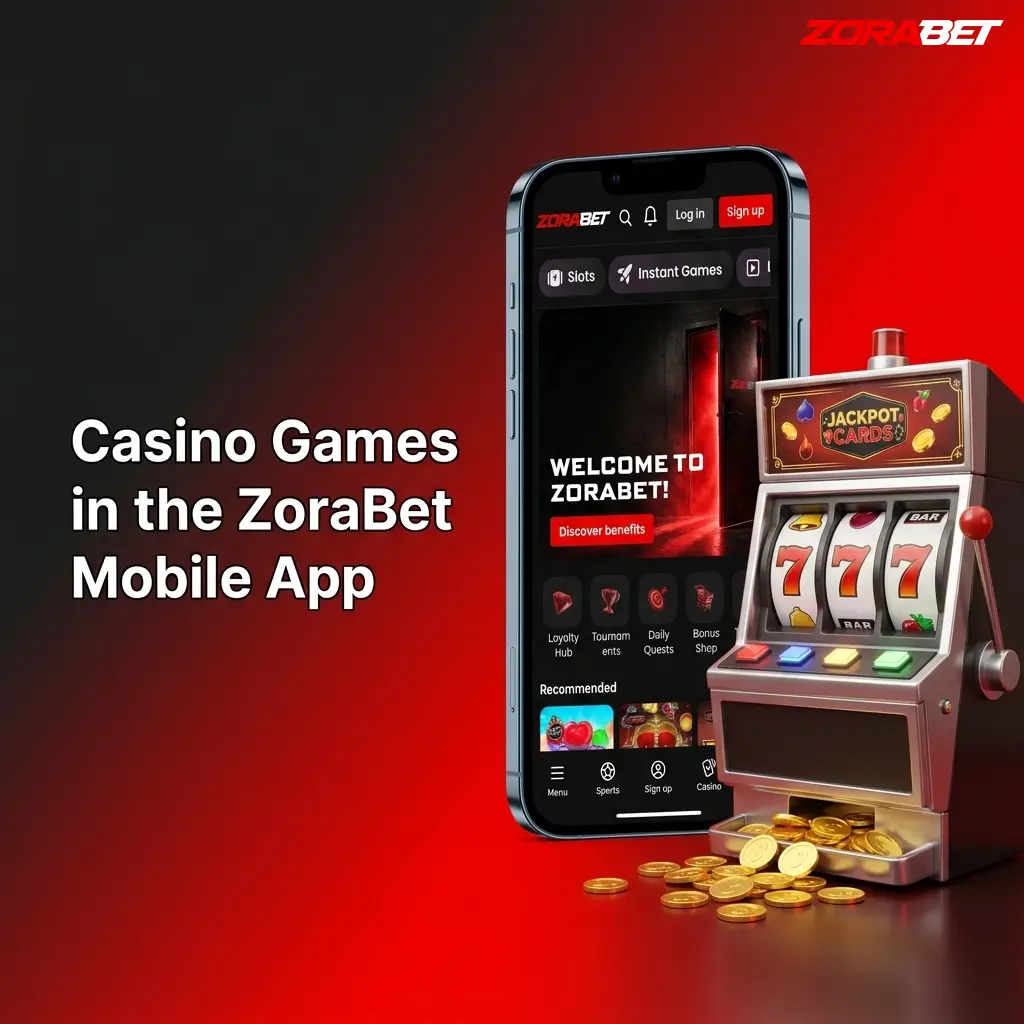
The ZoraBet casino lobby is fully optimized for mobile play, with titles loading directly in the browser without additional software. The game catalogue includes content from providers such as Pragmatic Play, Evolution Gaming, and NetEnt, covering every major casino category. Live dealer tables stream in HD with Serbian-language options available on select titles.
New players can open a ZoraBet account entirely through the mobile web app in under three minutes. The registration process requires a valid email address, phone number, and proof of identity for later verification.
Accessing your ZoraBet account on mobile takes seconds through any supported browser. Your login credentials are the same ones used on the desktop version of the platform.
The ZoraBet PWA updates automatically every time you open it in your browser. There are no version numbers to track, no manual downloads, and no app store approval delays. All new features, odds feed improvements, and security patches go live server-side and reach every user instantly. Your home screen icon always opens the current, up-to-date version of the platform.
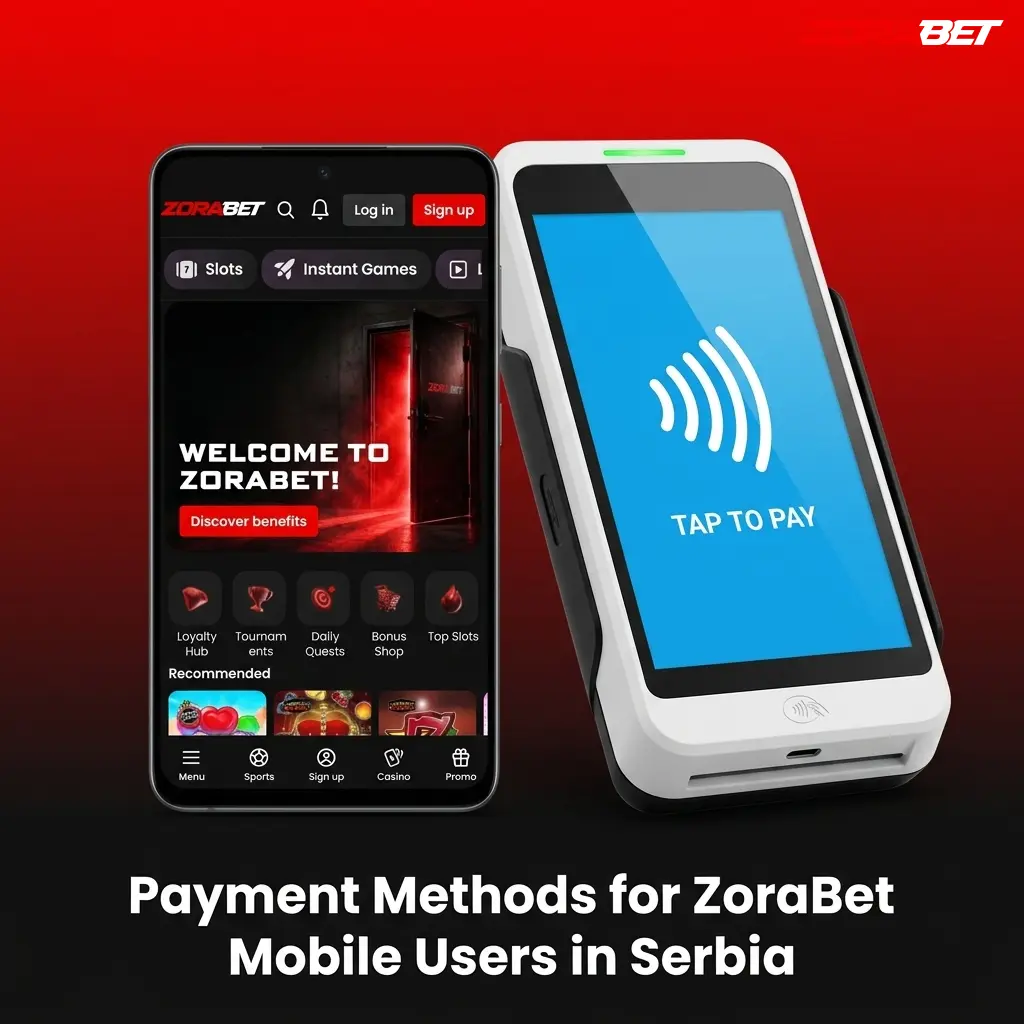
All deposits and withdrawals are processed directly through the mobile web app. The minimum deposit is 500 RSD (or 5 USDT), and the minimum withdrawal is 1,000 RSD (or 10 USDT).
Deposits on the ZoraBet mobile platform are processed in real time for most payment methods, with funds available for betting immediately after confirmation.
Withdrawals can be initiated directly through the ZoraBet web app at any time, subject to completing identity verification (KYC). Processing times vary by payment method, with crypto withdrawals typically completed within one hour.
The ZoraBet web app delivers a full-featured betting and casino experience on any smartphone or tablet, with no installation barriers and no compromise on functionality.
The PWA installs directly from the browser in under one minute on both Android and iOS, with no file downloads, no security warnings, and no sideloading.
Every time you open the app, you are on the latest version. No app store, no update prompts, no version mismatches between your device and the server.
The complete ZoraBet catalogue is available on mobile: 1,000+ casino slots, live dealer tables, and sportsbook markets covering 20+ sports disciplines.
All 10 payment methods supported on desktop are available in the mobile cashier. Crypto deposits via USDT or USDC are confirmed on-chain within minutes.
New players can claim the 500% up to 350,000 RSD or 3,500 USDT welcome offer entirely through the mobile registration and deposit flow, with no desktop session required.
ZoraBet operates a 24/7 support service accessible from within the mobile web app, with no need to switch to a desktop browser for assistance. All support channels listed below are available on both Android and iOS devices.
| Channel | Availability | Details |
|---|---|---|
| Live Chat | 24/7 | Accessible via the chat icon in the bottom-right corner of the app |
| Email Support | 24/7 | [email protected] – response within 24 hours |
| FAQ / Help Center | 24/7 | Self-service knowledge base accessible from the main menu |
ZoraBet operates under a Curacao eGaming license. Serbian players access the platform legally under their own jurisdiction’s rules. ZoraBet does not hold a Serbian Uprava za igre na sreću (UJIS) license, so players are advised to review applicable local regulations before registering.
Yes. Tap “Forgot Password” on the login screen of the mobile web app, enter your registered email address, and follow the reset link sent to your inbox. The process takes under two minutes.
No. ZoraBet’s terms of service allow one account per person, household, and IP address. Duplicate accounts are subject to suspension, and any associated bonus winnings may be voided.
Yes. All ZoraBet bonuses, including the 500% welcome bonus up to 350,000 RSD or 3,500 USDT, carry identical wagering requirements and terms regardless of the device used to claim them.
ZoraBet does not store full card or bank account details on device. Payment data is processed through PCI-DSS compliant third-party gateways, and the mobile app uses SSL encryption on all cashier sessions.
Updated: